 SERVICIO TÉCNICO PERSONALIZADO




Firmware forzado de recuperación paraKANJI KJEL60S4200001por USB
Recuperación de software por USB con guía personalizada, una vez verificada la variante.
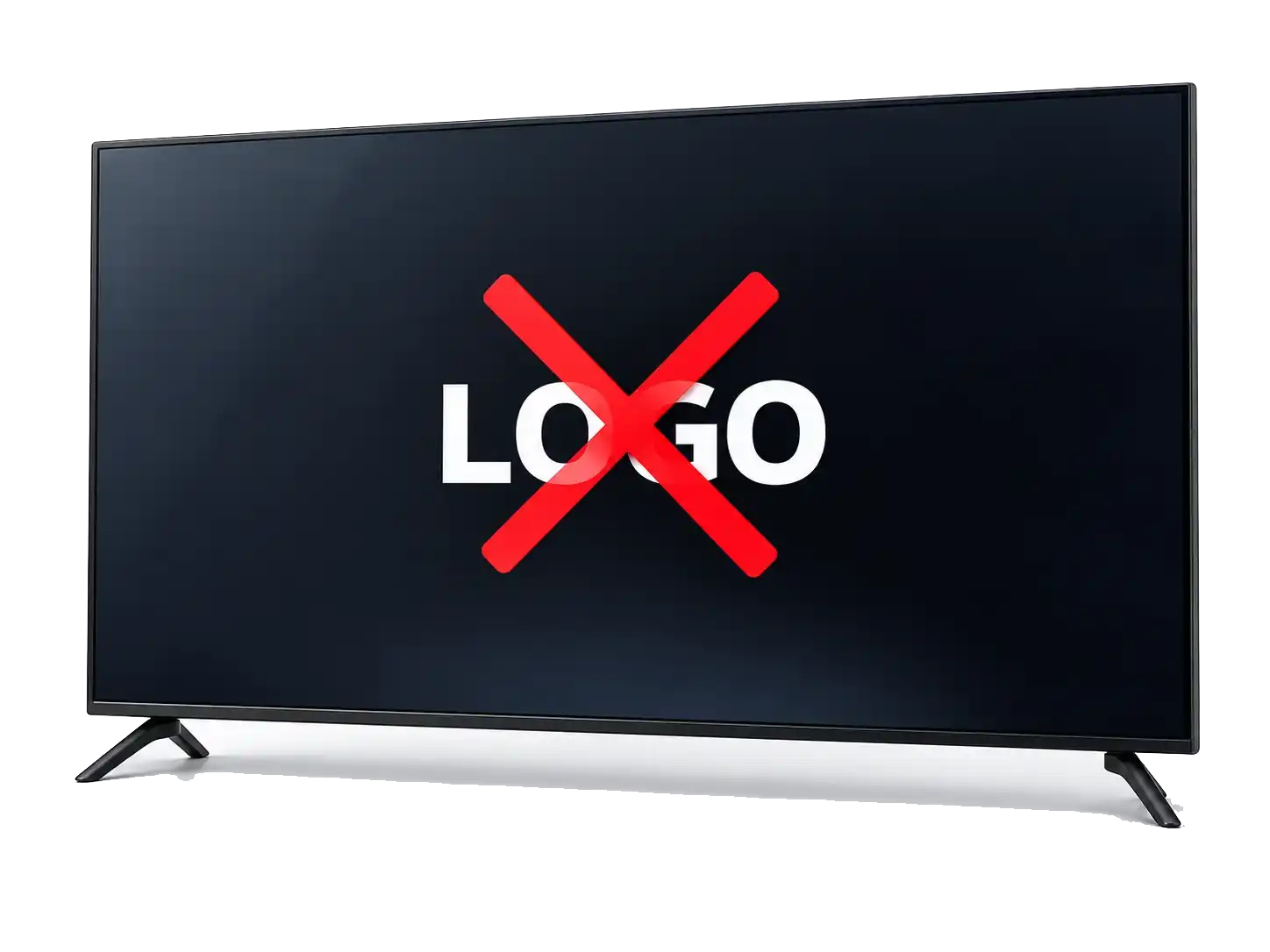
¿Tu KANJI KJEL60S4200001 queda en el logo?
No pasa del logo o se reinicia. Verificamos la recuperación forzada correspondiente al equipo.
Ver ejemplo del proceso
Orientación para KANJI KJEL60S4200001

Identificamos modelo, placa y variante de pantalla.

Solo cuando se identifica el método compatible.

La secuencia depende del método verificado.
¿Cómo es el proceso?

Confirmamos tu modelo
Verificamos compatibilidad y te indicamos el método correcto.

Preparás el PENDRIVE / USB
Te enviamos los archivos y las instrucciones claras.

Te guiamos por WhatsApp
Si tenés dudas, te acompañamos paso a paso.
1 Confirmamos tu modelo
Verificamos compatibilidad y te indicamos el método correcto.
2Preparás el PENDRIVE / USB
Te enviamos los archivos y las instrucciones claras.
3Te guiamos por WhatsApp
Te acompañamos durante el proceso.

Imagen ilustrativa.
Atención humana
Una persona te responde
Te guiamos desde la preparación del pendrive hasta la instalación.
 Respuesta rápida
 Asesoramiento personalizado
 100% seguro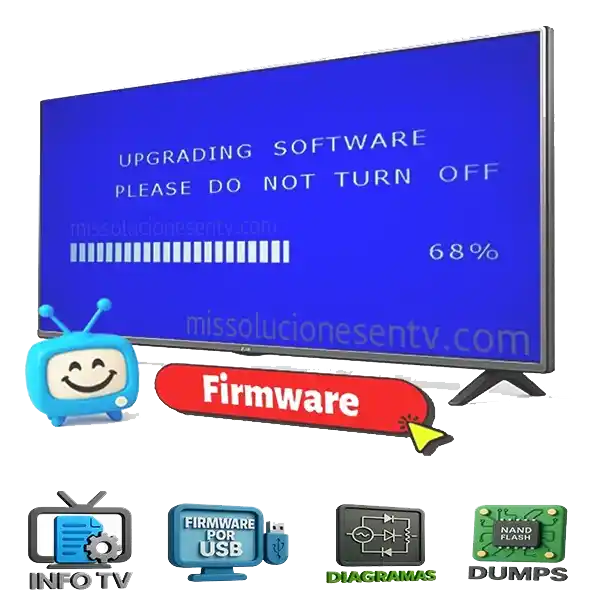
Valor del servicio
$30.000pesos argentinos
Te guiamos paso a paso por WhatsApp de forma personal. Recibís archivos e instrucciones cuando corresponde a tu modelo para realizar el procedimiento de pendrive / USB y abordar fallas de firmware.

 Ofrecemos un servicio de soporte y orientación. No representamos marcas oficiales ni comercializamos marcas de firmware; los archivos forman parte del proceso de asistencia cuando el modelo lo requiere.
Ficha técnica del TVVer másVer menos
 Ficha técnica del TVVer másVer menos
Ficha técnica para KANJI KJEL60S4200001. Esta publicación corresponde únicamente al firmware de recuperación por USB; el DUMP de memoria y la programación física son servicios diferentes. La ficha existente ofrece recuperación por pendrive, pero el catálogo exportado no guarda números de placa o panel verificables para este código. Es indispensable revisarlos antes de la asistencia.
Identidad del modelo y placa
Etiqueta comercial KJEL60S4200001, referencia de MainBoard, panel y archivo recibido. El identificador KJEL60S4200001 es la referencia de selección. Las pulgadas por sí solas no permiten validar firmware ni alimentación de panel.
Panel, resolución y revisión
Panel de 60 pulgadas; código exacto sin comprobar. No documentada con certeza para esta revisión. El código KJEL60S4200001 debe cotejarse letra por letra; hay variantes comerciales con sufijos parecidos.
Qué necesitamos para la comprobación
Fotografía de etiqueta trasera, código completo de placa, identificador de panel y síntoma exacto. Solo a partir de esa combinación se indica el firmware de recuperación correcto.
 Cómo recuperar el firmware del KANJI KJEL60S4200001 por USBVer másVer menos
 Cómo recuperar el firmware del KANJI KJEL60S4200001 por USBVer másVer menos
Para KANJI KJEL60S4200001 el método indicado es recuperación forzada por USB, después de identificar la revisión. La ficha existente ofrece recuperación por pendrive, pero el catálogo exportado no guarda números de placa o panel verificables para este código. Es indispensable revisarlos antes de la asistencia.
Antes de comenzar
El identificador KJEL60S4200001 es la referencia de selección. Las pulgadas por sí solas no permiten validar firmware ni alimentación de panel. Etiqueta comercial KJEL60S4200001, referencia de MainBoard, panel y archivo recibido. No instalar paquetes de otros modelos aunque el televisor tenga las mismas pulgadas.
Preparación del pendrive y el firmware
Preparar USB limpio en FAT32, comprobar que el paquete entregado esté completo, descomprimir solo cuando corresponda y mantener los nombres reales de los archivos. Identificar la estructura original del paquete USB y la revisión de placa; no utilizar información de otros modelos de 60 pulgadas.
Elección del procedimiento de arranque
La secuencia física de encendido o recuperación se indica al verificar MainBoard, versión y estructura del archivo. No aplicar de forma automática un código de teclas de otra marca o de otra revisión.
Cuidados durante la escritura
Evitar desconectar alimentación o pendrive mientras el equipo está escribiendo. Si no reacciona, detener intentos repetidos y revisar compatibilidad, FAT32 y salud de memoria.
Prueba posterior al reinicio
Comprobar imagen, orientación, retroiluminación, control remoto, sonido, búsqueda de canales, conexión a red y capacidad de conservar ajustes después de desenchufar.
Otros archivos e información técnica disponibleVer másVer menos
 Otros archivos e información técnica disponibleVer másVer menos
Los recursos para KANJI KJEL60S4200001 se clasifican por función para no confundir la instalación forzada por USB con una lectura de memoria. Identificar la estructura original del paquete USB y la revisión de placa; no utilizar información de otros modelos de 60 pulgadas.
Paquete de recuperación por USB
El archivo indicado para este producto se selecciona por placa, panel y variante. Formato de archivo USB por comprobar en el paquete de esta variante. Etiqueta comercial KJEL60S4200001, referencia de MainBoard, panel y archivo recibido. Una revisión con otra pantalla puede requerir software diferente.
Actualización normal desde el menú
No se incluye como segundo método en esta publicación: aquí se ofrece recuperación forzada. Un televisor que inicia y permite ingresar a Ajustes podría necesitar una actualización distinta; se verifica antes de recomendarla.
DUMP de memoria y programador
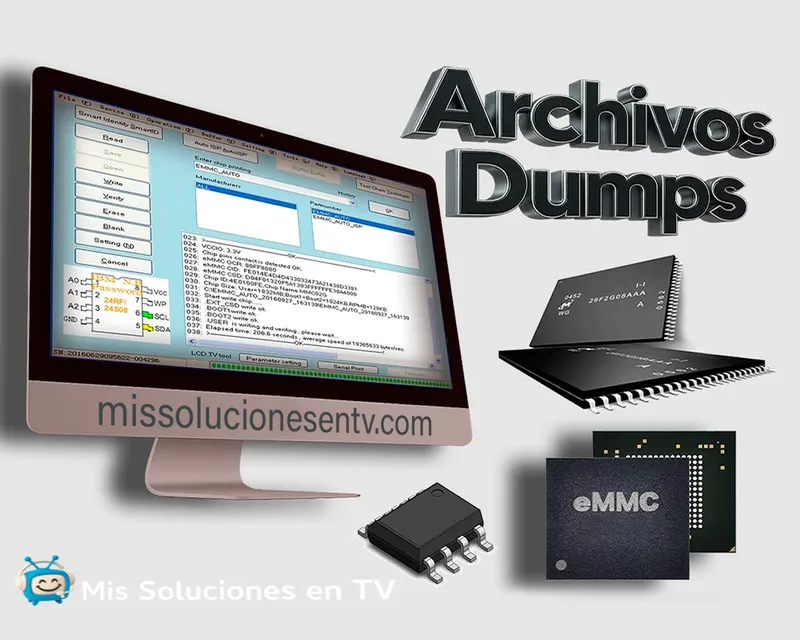
Una copia SPI, EEPROM, NAND o eMMC se graba mediante instrumental técnico y no equivale a un firmware de pendrive. El identificador KJEL60S4200001 es la referencia de selección. Las pulgadas por sí solas no permiten validar firmware ni alimentación de panel. No entregar un BIN de programador como si fuera una actualización USB.
Documentación para identificación
Fotografías de placa y etiqueta del panel, conexiones, fuente, memoria de arranque y datos de control remoto ayudan a confirmar la edición de KJEL60S4200001. El código KJEL60S4200001 debe cotejarse letra por letra; hay variantes comerciales con sufijos parecidos.
Modo servicio y ajustes técnicosVer másVer menos
 Modo servicio y ajustes técnicosVer másVer menos
El menú técnico de KANJI KJEL60S4200001 se considera por separado de la instalación USB. No consta combinación validada de modo servicio para esta revisión. Etiqueta comercial KJEL60S4200001, referencia de MainBoard, panel y archivo recibido.
Servicio según revisión
Primero se comprueban el modelo y Código de placa no corroborado para esta unidad. El identificador KJEL60S4200001 es la referencia de selección. Las pulgadas por sí solas no permiten validar firmware ni alimentación de panel. No se recomienda abrir un menú oculto para probar opciones al azar.
Configuración de imagen y panel
Los parámetros del panel deben corresponder a Panel de 60 pulgadas; código exacto sin comprobar. Cambiar LVDS, orientación o Project ID sin respaldo puede dejar pantalla blanca, negra o con imagen invertida.
Cambios y respaldo de configuración
Antes de tocar opciones avanzadas, documentar fotografías de valores, serial y número de placa. El código KJEL60S4200001 debe cotejarse letra por letra; hay variantes comerciales con sufijos parecidos. La recuperación por USB no sustituye un diagnóstico de alimentación ni reprogramación profesional.
¿Por qué puede fallar el firmware del TV?Ver másVer menos
 ¿Por qué puede fallar el firmware del TV?Ver másVer menos
Para KANJI KJEL60S4200001, los síntomas logo que no avanza, reinicios continuos, encendido incompleto pueden relacionarse con software o hardware. La ficha existente ofrece recuperación por pendrive, pero el catálogo exportado no guarda números de placa o panel verificables para este código. Es indispensable revisarlos antes de la asistencia.
Bloqueo del arranque
Si el logo aparece y el televisor reinicia, verificar el historial de apagados, intentos de actualización y versión de Código de placa no corroborado para esta unidad. El identificador KJEL60S4200001 es la referencia de selección. Las pulgadas por sí solas no permiten validar firmware ni alimentación de panel.
Pantalla negra o imagen incorrecta
Distinguir ausencia de retroiluminación de un sistema que arranca sin video. Panel de 60 pulgadas; código exacto sin comprobar. Un paquete de otra revisión puede arrancar pero usar parámetros incorrectos del panel.
El USB no se reconoce
Comprobar formato FAT32, puerto, versión USB, archivos extraídos y comportamiento del LED. Identificar la estructura original del paquete USB y la revisión de placa; no utilizar información de otros modelos de 60 pulgadas. Si la placa no inicia lectura, no forzar repetidas escrituras.
Cuándo sospechar otra avería
Si persisten los problemas tras verificar software compatible, revisar alimentación, almacenamiento de sistema y soldaduras con técnico. El código KJEL60S4200001 debe cotejarse letra por letra; hay variantes comerciales con sufijos parecidos.
Nuestro servicio de asistencia por WhatsAppVer másVer menos
 Nuestro servicio de asistencia por WhatsAppVer másVer menos
Te acompañamos con el firmware forzado USB correspondiente a KANJI KJEL60S4200001, previa verificación real del equipo. Etiqueta comercial KJEL60S4200001, referencia de MainBoard, panel y archivo recibido.
Información para identificar
Foto de etiqueta, MainBoard, panel, descripción de los síntomas y qué ocurrió antes de la falla. El identificador KJEL60S4200001 es la referencia de selección. Las pulgadas por sí solas no permiten validar firmware ni alimentación de panel.
Qué incluye el servicio
Identificación de paquete, preparación del pendrive, secuencia compatible con el equipo y asistencia para comprobar imagen y arranque. No se promete recuperar una avería física.
Si requiere un técnico
Se recomienda diagnóstico de fuente, panel o memoria cuando el método USB correctamente preparado no es reconocido o persiste la falla. La documentación de DUMP se maneja separadamente.
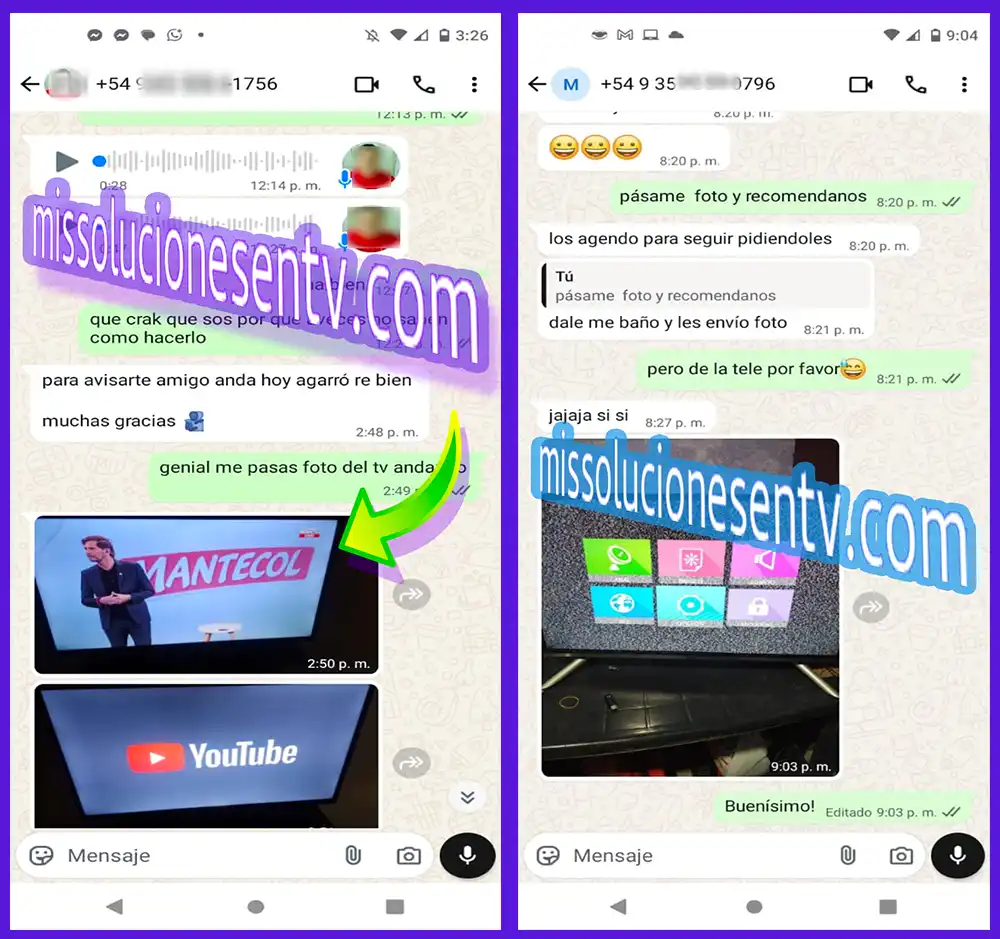
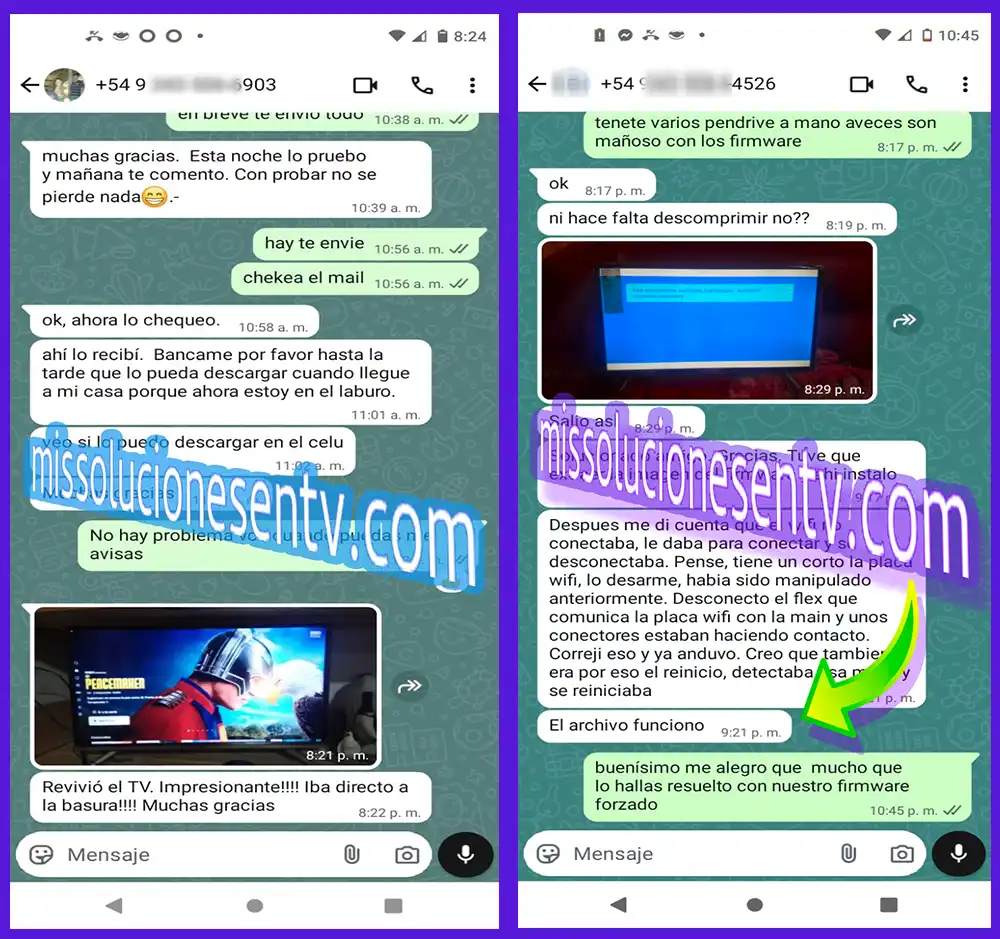
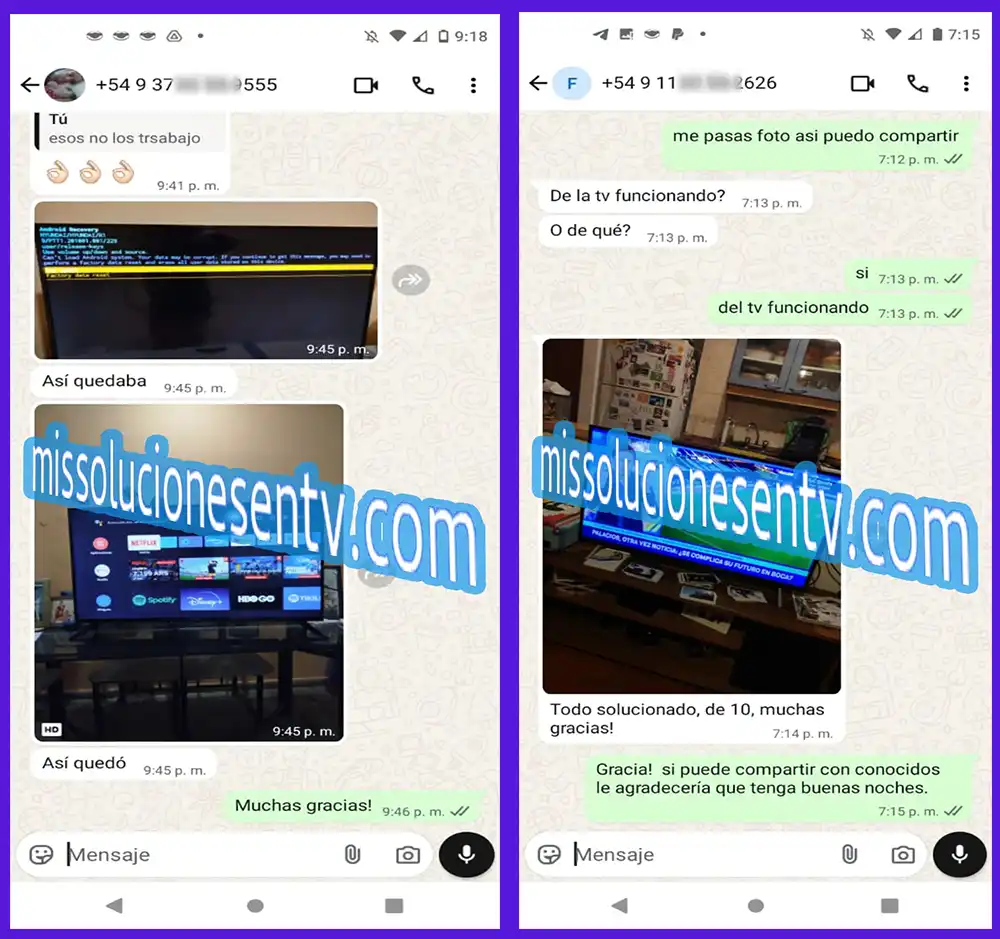
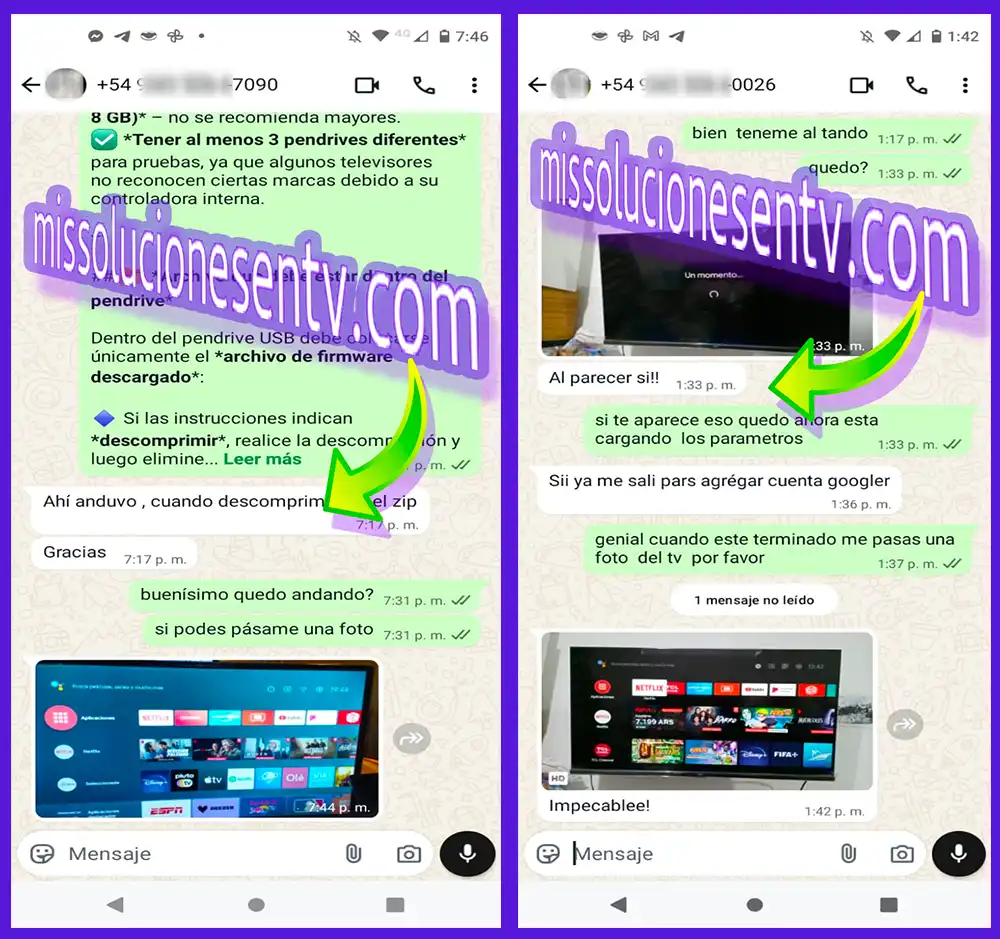
Opiniones de nuestros clientes
Conocé las experiencias de personas que recibieron nuestra atención.